
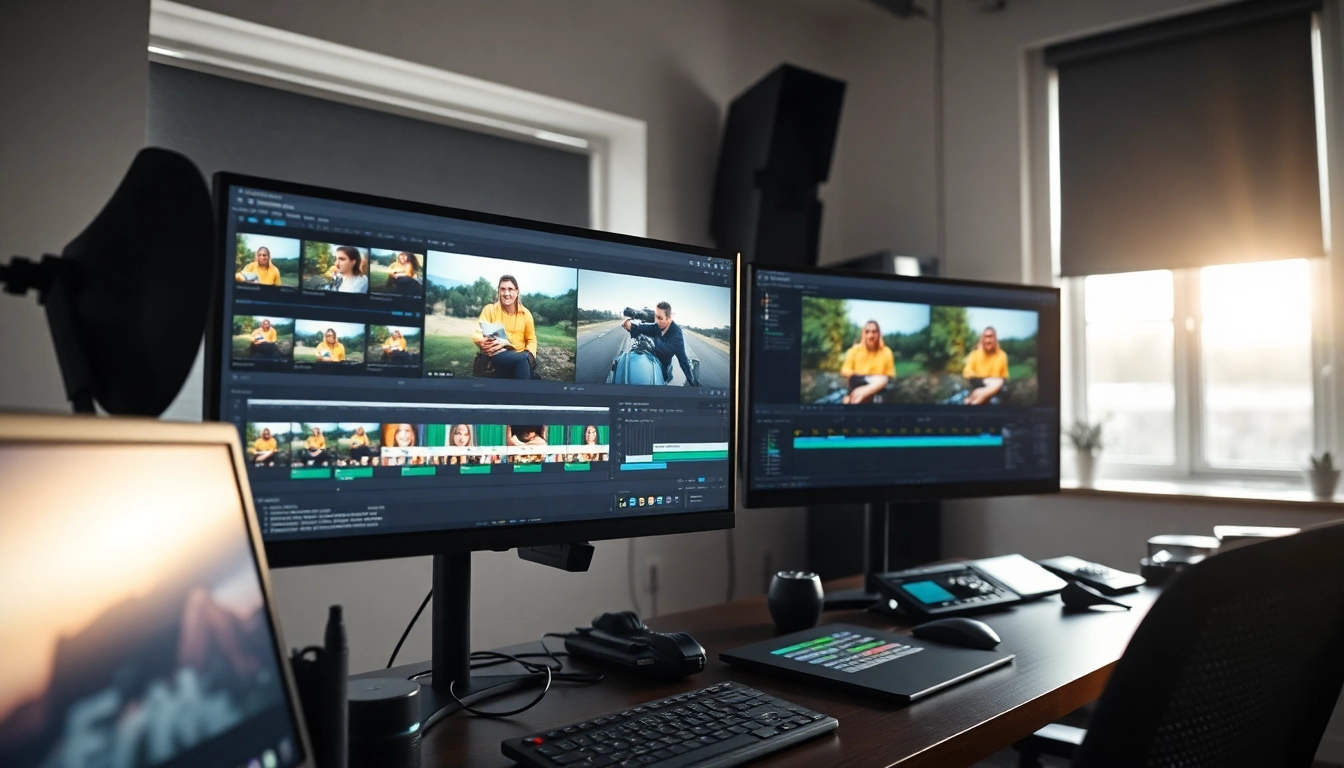
Understanding the Basics of Post-production & Editing
What is Post-production?
Post-production is the phase following the actual shooting of a film, video, or any audiovisual content. It encompasses all the processes that take place after filming has concluded, including editing, sound design, visual effects, and color grading. The primary aim is to refine the raw footage into a polished final product that tells a compelling story and engages the audience. In the realm of Post-production & editing, creativity meets technical expertise, resulting in a multifaceted process that requires knowledge, skill, and an understanding of storytelling techniques.
Key Phases in Editing
Editing is a critical component of post-production, divided into several key phases:
- Importing and Organizing Footage: After filming, the first step involves importing and systematically organizing the footage. Proper labeling and categorization are essential to streamline the editing process and enhance efficiency.
- Rough Cut: This stage involves selecting the best takes and creating a rough version of the film. Editors focus on pacing, story structure, and overall flow during this phase.
- Fine Cut: The fine cut is a more polished version where the editor refines transitions, timing, and visual continuity. Attention to detail increases, and initial sound design elements may be integrated.
- Final Cut: The final cut is where all elements come together. The editor finalizes the visuals, sound, and any remaining effects, readying the product for distribution and exhibition.
Essential Tools and Software
The right tools can significantly impact the efficiency and quality of post-production work. Some of the essential tools and software include:
- Video Editing Software: Popular options like Adobe Premiere Pro, Final Cut Pro, and DaVinci Resolve cater to various editing needs and preferences. These platforms offer intuitive interfaces and robust functionalities.
- Audio Editing Tools: Software like Avid Pro Tools or Adobe Audition is crucial for sound mixing and design, allowing editors to create a balanced auditory experience that complements the visual storytelling.
- Special Effects Software: Tools such as Adobe After Effects provide advanced options for incorporating visual effects, motion graphics, and animations, enhancing the overall production value.
Best Practices for Efficient Post-production & Editing
Organizing Your Footage
A well-structured editing workflow begins with the organization of footage. Consider these techniques:
- Folder Structure: Create a clear folder hierarchy that segments footage into categories such as scenes, takes, and camera angles. This will make locating specific clips easier later on.
- Quality Control: Reviewing each clip for technical quality before storing it will save time during the editing phase. Ensure that audio syncs properly, colors are well-balanced, and there are no unwanted artifacts.
- Metadata Inclusion: Utilizing metadata to tag clips with keywords and descriptive notes can facilitate quicker searches and enhance collaboration with team members.
Utilizing Time-saving Techniques
Time efficiency is crucial in the post-production process. Here are several tips to save time:
- Keyboard Shortcuts: Familiarizing yourself with keyboard shortcuts in your editing software can drastically speed up your workflow, allowing for more intuitive editing.
- Templates: Developing templates for common sequences (like title cards or lower-thirds) can save time on repetitive tasks and maintain consistency within your project.
- Batch Processing: Use batch processing features for tasks like adding effects or color grading multiple clips at once to reduce the time spent on manual edits.
Color Correction Fundamentals
Color correction is pivotal in shaping the visual tone and mood of your project. Here are foundational elements:
- White Balance: Adjusting the white balance is crucial for achieving accurate colors and ensuring consistency throughout your footage. Understanding color temperature and how it affects skin tones can improve the final product.
- Contrast and Brightness: Balancing contrast and brightness enhances the visual aesthetics and can help to evoke specific emotions in the audience.
- Color Grading: Beyond basic correction, color grading allows you to apply a stylistic visual tone. By using tools like LUTs (Look-Up Tables), editors can easily achieve cinematic looks that resonate with viewers.
Common Challenges in Post-production & Editing
Dealing with Large Files
High-resolution footage can result in large file sizes that challenge storage and processing capabilities. Here are strategies to manage this issue:
- Proxy Files: Creating proxy files—lower-resolution versions of your clips—can ease the editing process. Once editing is complete, you can switch back to the original high-resolution files for final rendering.
- Cloud Storage: Utilizing cloud storage solutions for backing up files can help free up local drive space and provide accessible solutions for collaborative projects.
Maintaining Quality Standards
Ensuring that the final product meets quality standards is imperative. Consider the following practices:
- Playback Check: Regularly playback edits during the process to identify potential issues early. This includes checking audio sync and transitions for smoothness.
- Peer Reviews: Having a trusted colleague review the work can provide fresh insights that help maintain quality and adherence to project goals.
Navigating Creative Blocks
All editors encounter periods of creativity blocks. Here are effective strategies to overcome them:
- Take Breaks: Stepping away from your work momentarily can help refresh your perspective and ignite new ideas.
- Inspiration Sources: Seek inspiration through watching films, exploring visual arts, or engaging with storytelling techniques from other mediums.
- Collaborate: Collaborating with others can bring new ideas to the table, stimulating creativity and helping move past blocks.
Advanced Techniques in Post-production & Editing
Incorporating Visual Effects
Visual effects (VFX) can elevate storytelling by adding depth and visual interest. Here’s how to effectively integrate them:
- Planning Ahead: Determine where visual effects will be applied during the pre-production phase. This foresight can guide filming techniques and the types of shots needed.
- Blend Techniques: Learn to blend practical effects with digital effects to enhance believability. Techniques like rotoscoping and motion tracking can yield seamless results.
- Post-Production Tools: Familiarize yourself with software specialized for VFX to streamline your workflow when applying complex effects like compositing.
Sound Design Integration
Sound design is crucial to a project’s overall impact. Here are key considerations:
- Ambient Sounds: Incorporating ambient sounds can immerse viewers in the scene, making it more relatable and engaging.
- Foley Artists: Engage foley artists to recreate natural sound effects that enhance realism and can be tailored to the specific needs of the project.
- Music Selection: Carefully choose background music to set emotional tones—ensuring that it complements, rather than distracts, from the visual story.
Using Advanced Editing Software Features
Modern editing software comes loaded with features designed to enhance efficiency and creativity:
- Multicam Editing: Utilize multicam editing for scenes with multiple camera angles, allowing easy cuts between angles without losing continuity.
- Dynamic Linking: Leverage dynamic linking features that enable real-time editing across different software applications. This cuts down on rendering time and enhances workflow.
- AI-Assisted Tools: Explore AI-assisted features that offer intelligent suggestions for edits, help with color grading, or even automate repetitive tasks to save significant time.
FAQs About Post-production & Editing
What is the typical workflow for post-production?
The typical workflow includes importing footage, organizing files, editing, color grading, sound design, and final export.
How long does post-production typically take?
The duration varies based on project complexity but can range from a few days to several weeks, depending on the volume of footage and effects involved.
Which software is best for post-production & editing?
Popular software includes Adobe Premiere Pro, Final Cut Pro, and DaVinci Resolve, each offering unique features tailored for various editing needs and styles.
How can I improve my editing skills?
To enhance your editing skills, practice consistently, study tutorials, analyze films, and seek constructive feedback from peers to refine techniques and approaches.
What should be considered in the budget for post-production?
Budget considerations should include software costs, necessary hardware, potential freelancer fees, and the time commitment required to complete the project effectively.